Build-Time OG Images with Satori and Astro
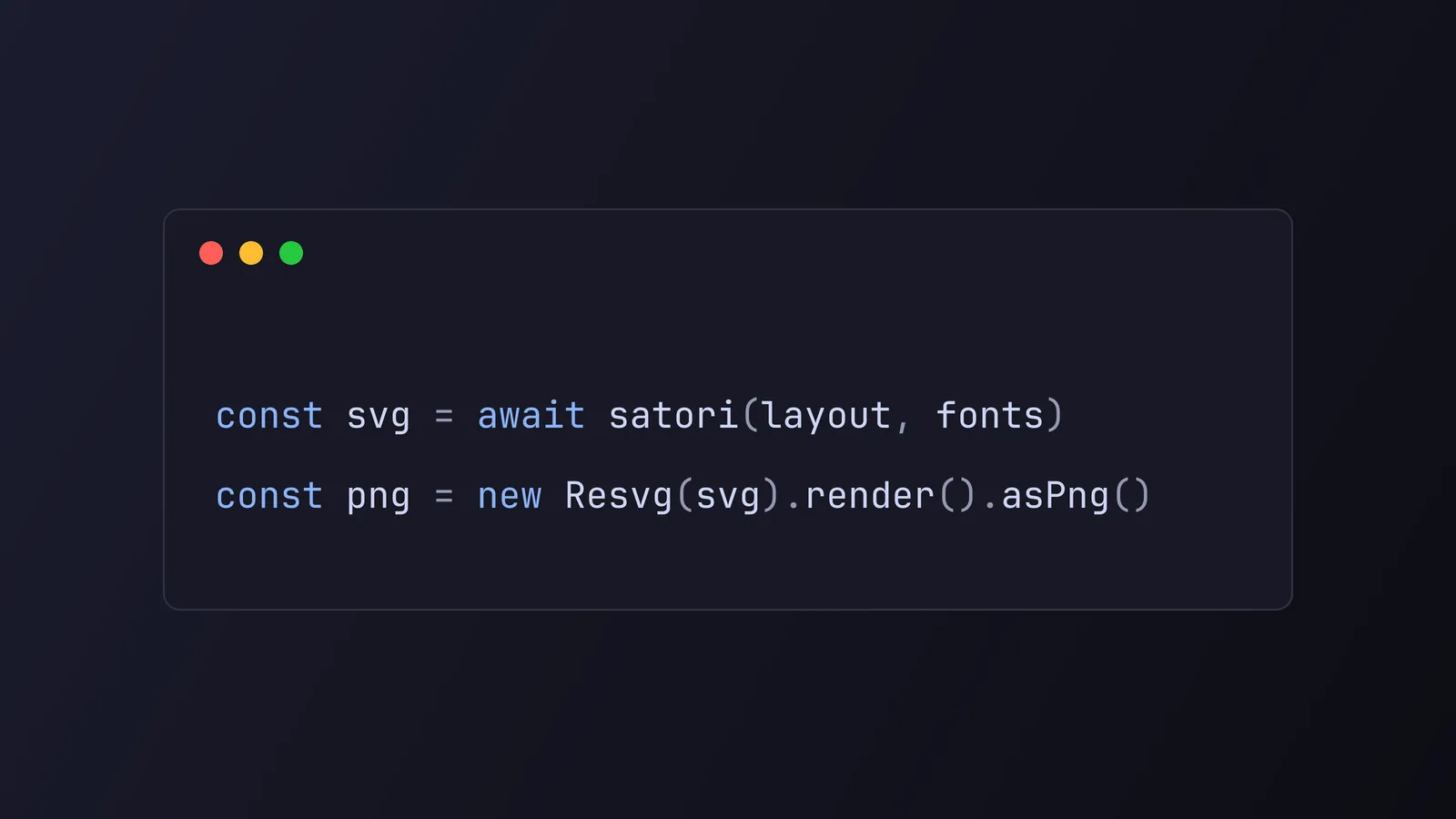
Every page on this site ships with its own Open Graph image, the little card that shows up when you paste a link into Slack, X, or iMessage. None of them are drawn by hand. Each one is generated at build time by two tools working in sequence: Satori turns a chunk of JSX styled with a CSS subset into an SVG, and resvg-js rasterizes that SVG into a PNG. The result is a static .png for the homepage, the blog index, every post, and every tag, all baked into dist/ and served straight from the edge with zero work at request time.
I rebuilt this whole pipeline recently, and it turned into a nice case study in doing something simple well. Below is how it works, why it’s built the way it is, and the handful of performance decisions that let it run for every page on every build without slowing anything down.
What actually generates the images
The pipeline is two libraries, each doing one job.
Satori, from Vercel, is described in its own repo as a library “to convert HTML and CSS to SVG.” You hand it an object tree that looks like JSX and a set of fonts, and it lays everything out with a Flexbox engine and returns an SVG string. It’s the same engine behind Vercel’s OG image generation, so it’s built for exactly this.
resvg-js, maintained by yisibl, is “a high-performance SVG renderer and toolkit, powered by Rust based resvg.” Satori gives you vector output, but social platforms want a raster image, so resvg-js takes the SVG and renders a PNG. It’s a thin Node binding over the Rust resvg library, which is fast and has no runtime dependencies.
The whole thing is about ten lines once the layout exists:
const svg = await satori(layout, {
  width: OG_WIDTH,
  height: OG_HEIGHT,
  fonts: [
    { name: "JetBrains Mono", data: fonts.regular, weight: 400, style: "normal" },
    { name: "JetBrains Mono", data: fonts.bold, weight: 700, style: "normal" },
  ],
});

const resvg = new Resvg(svg, {
  font: { loadSystemFonts: false },
  fitTo: { mode: "width", value: OG_WIDTH },
});

return resvg.render().asPng();
That loadSystemFonts: false line is doing more than it looks like. I’ll come back to it.
The design: one card, deliberately plain
There is exactly one card template. Everything on the site, from a post to the tags hub, renders through the same function with different props. That’s a design decision, not laziness. A single template means every share preview looks like it came from the same place, and there’s only one layout to keep correct.
The layout is built from a few primitives. A morello.dev wordmark sits top-left in the accent color, with an optional eyebrow (blog, tags) on the right. The title dominates the middle: 60px, bold, left-aligned, vertically centered, capped at a maxWidth so long titles wrap instead of running to the edge. A byline anchors the bottom, either the post author or a page subtitle, introduced by a short accent-colored tick. That’s the whole thing.
The type is JetBrains Mono throughout, which matches the monospace-first identity of the rest of the site. The color scheme is Catppuccin Mocha: a near-black #11111b background, #cdd6f4 text, and a #89b4fa blue accent.
Here’s the part people find surprising. The site itself has 16 themes you can switch between, but the OG cards are locked to Catppuccin Mocha and don’t follow the visitor’s choice. That’s on purpose. A share card is a static artifact generated once at build time. The person who sees it on X has no relationship to the localStorage theme of whoever pasted the link. Making the card theme-aware would mean generating 16 variants of every image to serve one that nobody specifically asked for. So the OG palette lives in its own tiny colors.ts file, mirroring the default theme’s tokens, completely detached from the runtime theming system.
Why generate at build time instead of on demand
Because there’s no reason to pay for it twice.
A lot of OG setups render the image in a serverless function on the first request and cache it. That’s the right call when your content is dynamic or unbounded. Mine isn’t. It’s a static site with a known, finite set of pages, so I generate every card during astro build through getStaticPaths:
export const getStaticPaths: GetStaticPaths = async () => {
  const [posts, tags] = await Promise.all([getCollection("blog"), getAllTags()]);
  // ...one entry per static page, post, and tag
};
Astro walks that list and writes a real PNG for each path into dist/. At request time there’s no function to invoke and no rendering step. Cloudflare serves the file from its asset cache like any other static file. The cost is paid once, on my machine or in CI, and never again. For a site that already ships as static assets, running a serverless renderer for images would be the odd one out.
Paginated pages get a small optimization on top of this. /blog/2 and beyond don’t need their own card, so they reuse the page-1 image (/og/blog.png) instead of generating a near-identical copy per page. Same for tag pagination. That’s fewer images to render and fewer bytes in dist/, for previews that would look identical either way.
The performance decisions that matter
Generating a few dozen images per build sounds cheap, and it is, but the naive version was slow enough on my machine to be annoying. A few changes made it genuinely fast.
Skip the system-font scan. This is the big one. By default, resvg-js scans the operating system’s installed fonts so it can render <text> elements. Its own type definitions say of loadSystemFonts: “Default: true, if set to false, it will be faster.” On a developer machine with a large font library (hello, macOS), that scan runs on every single Resvg construction and dominates the render time.
The trick is that we never need it. Satori, by default, “renders the text as <path> in SVG, instead of <text>” and “embeds the font path data as inlined information.” Every glyph is already a vector outline by the time resvg-js sees the SVG, so there are no fonts left to resolve. Setting loadSystemFonts: false was safe and cut per-image render time by roughly 20x locally. In CI, where the container has almost no fonts installed, the scan was cheap anyway, so this is pure upside.
Load fonts from the build, not a CDN. Satori needs the actual font bytes passed in. Early on I fetched JetBrains Mono from a CDN at build time, which meant the build made a network call and broke offline. Now the fonts come from Astro’s fonts API via astro:assets, read straight off disk. The build makes no network call for them and pulls in nothing external.
Load the font once. The font bytes are the same for every image, so re-reading them per card is wasted work. A small memoized loader reads each weight once and hands the same buffers to every render for the rest of the build:
export const loadFonts = (() => {
  let cache: Promise<{ regular: ArrayBuffer; bold: ArrayBuffer }> | undefined;
  return () => {
    cache ??= Promise.all([loadWeight("400"), loadWeight("700")]).then(
      ([regular, bold]) => ({ regular, bold }),
    );
    return cache;
  };
})();
Use woff, not woff2. This one is a gotcha rather than an optimization. Satori’s README is blunt about it: “Satori currently supports three font formats: TTF, OTF and WOFF. Note that WOFF2 is not supported at the moment.” So the OG font is a plain .woff at weights 400 and 700, a separate entry from the variable .woff2 the site itself uses. Feed Satori a woff2 and it fails; the format that’s best for the browser is the one Satori can’t read.
Drop decorative texture. The card used to have a faint dot-grid background. It looked fine, but every dot is geometry Satori has to lay out and resvg-js has to rasterize, multiplied across every image. I removed it in favor of a flat background. The card looks cleaner and each render does less work.
OG best practices worth stealing
A few things I’d carry to any OG setup, whatever tools you use:
- Size the card 1200x630. Facebook’s sharing docs recommend “images that are at least 1200 x 630 pixels for the best display on high resolution devices” and an aspect ratio “as close to 1.91:1 as possible.” Worth noting: the Open Graph protocol itself never specifies a size, so this number comes from the platforms, not the spec. 1200x630 is the safe cross-platform default, and it’s what
OG_WIDTHandOG_HEIGHTare set to. - Let the title wrap gracefully. Satori supports
textWrap: balance, which evens out line lengths so a two-line title doesn’t leave one word stranded. It does not honortext-wrap: pretty, sobalanceis the one to reach for. - Design within Satori’s CSS subset. Satori lays out with Flexbox, and
display: gridisn’t supported. If you’re used to reaching for grid, you’ll rewrite it as nested flex containers. Knowing this up front saves you from debugging a layout that silently doesn’t apply. - Always set
og:image:alt. The card is an image like any other, and it deserves alt text for the same accessibility reasons. Astro’s OG plumbing handles the meta tags, but the alt text is content you have to write. - Keep the social palette static. Even if your site has themes, pin the cards to one look. A share preview is generated once and seen by strangers; it should be consistent, not personalized.
The takeaway
The pipeline that generates every social card on this site is two libraries and a couple hundred lines: Satori for HTML and CSS to SVG, resvg-js for SVG to PNG, wired into getStaticPaths so it all happens at build time and never at runtime. The interesting parts weren’t the generation itself but the constraints around it. One static template keeps every preview consistent. Generating at build time means the edge just serves files. And the render stays quick mostly because it skips the system-font scan resvg-js doesn’t actually need here.
If you want the wider context on how the rest of the site is put together, I wrote about rebuilding it with Astro and Tailwind, the discoverability plumbing that OG images are one small part of, and the Astro 7 upgrade whose Rust compiler keeps the build fast.