WebSkill: Agent Skills in the Browser
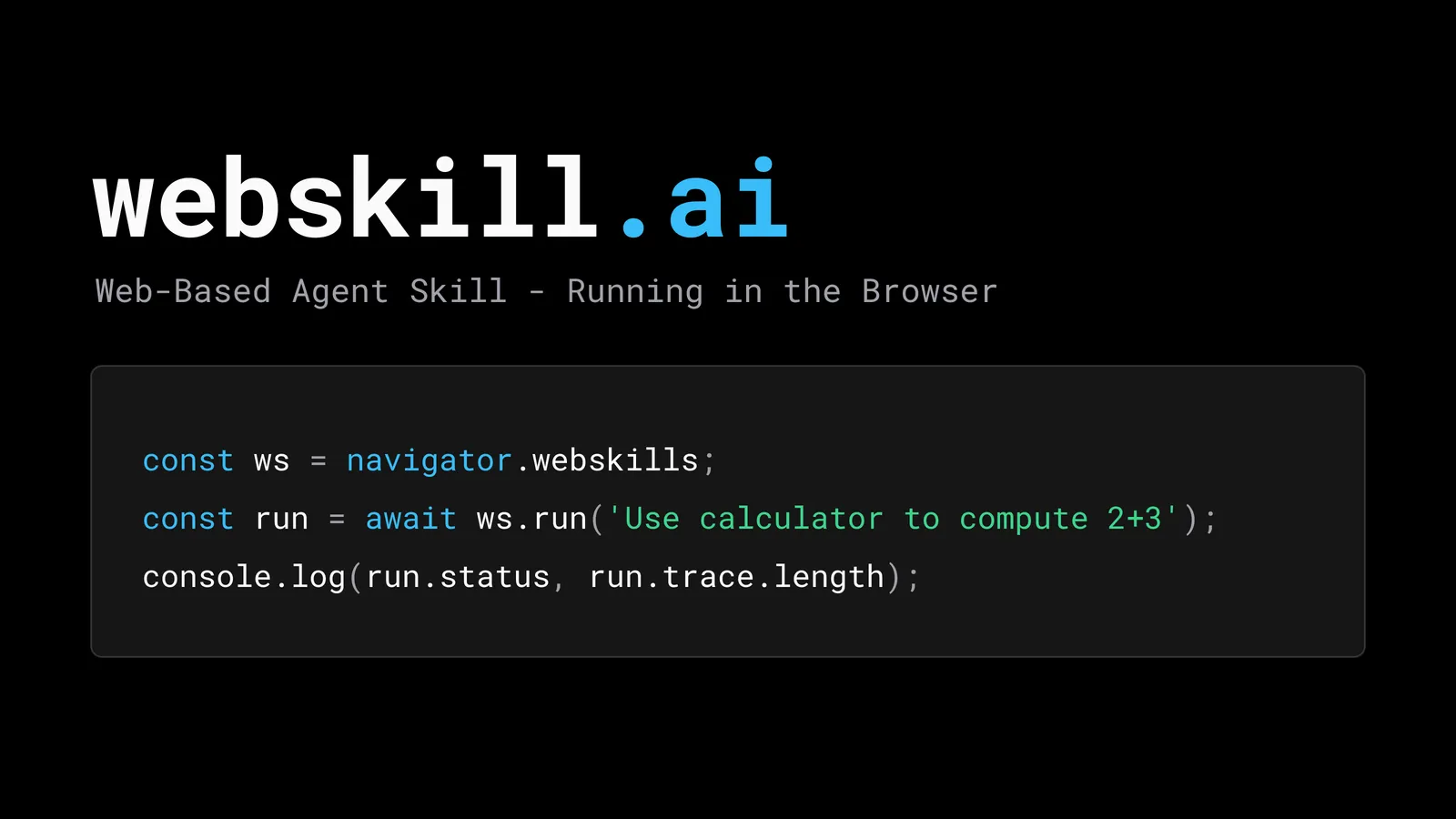
WebSkill is a draft proposal, published in July 2026, to run Agent Skills entirely inside the browser instead of on a server. A skill is stored in the page’s Origin Private File System (OPFS), its scripts run in a Web Worker, and an LLM picks and calls it without a backend in the loop. The project lives at webskill.ai, the editor is Chunhui Mo of Huawei, and it is very early.
I went in expecting a spec. What I found is a proposal, a static demo, an npm SDK, and a few ideas that are worth borrowing even if navigator.webskill never ships. Here’s what it is, based on the project’s README and docs, and where I’d hold back.
What is WebSkill?
WebSkill is a runtime for Agent Skills that lives in the frontend. In the README’s words, it is “a frontend-native skill running directly in the browser” and “a declarative contract.” The goal is to skip the usual setup, where a skill sits on a Node.js server or in a container sandbox and your data travels there and back. Not to be confused with WebXSkill, a Microsoft Research paper on skill learning for web agents.
An Agent Skill, if you haven’t met one (the skills Hermes Agent writes for itself use this same format), is a folder with a SKILL.md file: YAML frontmatter (a name up to 64 characters and a description up to 1024) plus Markdown instructions, and optional scripts/, references/ and assets/ directories. The Agent Skills spec describes three loading tiers so the model doesn’t pay for everything up front: about 100 tokens of metadata per skill at startup, the full SKILL.md body when a skill activates, and other files only when needed. WebSkill keeps that structure and says it implements the protocol in TypeScript.
The differences are in where things live:
| Traditional skill | WebSkill | |
|---|---|---|
| Runs on | Node.js or a cloud server | A Web Worker in the browser |
| Stored in | The server’s filesystem | OPFS, per origin |
| Scripts | Python, Bash, JavaScript | .ts or .js only |
| Isolation | Container sandbox | Worker thread |
| Shipped with | A server deployment | The web app itself |
| Scope | Shared by every user | Local to one user’s browser |
How do Agent Skills run in the browser with WebSkill?
Three pieces do the work, going by the README’s architecture diagram and its sandbox section. An on-device LLM routes the request and picks a skill. The skill’s script executes in a Worker. And when the script needs to touch the page, it calls a WebMCP tool.
Script files have three rules. They must be .ts or .js, export a function named run, and provide an inputSchema so the model knows what arguments to pass. You can write that schema three ways: as plain JSON Schema, inferred from a TypeScript interface, or inferred from JSDoc. The return value has to follow the MCP result shape, an object with a content array.
Skills call tools with two prefixes in SKILL.md: endpoint:toolName for a tool served through the standard MCP TypeScript SDK over a MessageChannel, and mcp#toolName for tools registered through the browser’s WebMCP API. The README’s WebMCP examples use navigator.modelContext; Chrome’s current imperative API docs use document.modelContext throughout, so expect that snippet to need updating.
There is also a second mode. Instead of persistent skills in OPFS, a page can declare page-level skills through MCP: the main thread acts as an MCP server (registerPrompt for the instructions, registerTool for scripts, registerResource for reference files), and the Worker connects as a client. Open a product page and the assistant gains an inventory-check skill; navigate away and it disappears. The README argues this beats progressive disclosure once you have many skills, since only the skills for the current page are in play.
When the model lacks a parameter, WebSkill doesn’t ask in plain chat. It emits a JSON Schema and a “Generative UI” layer renders a form. A UIBridge adapter keeps the runtime independent of the renderer, and the README names json-render-react, Vercel AI SDK, OpenUI and A2UI as candidates.
What is navigator.webskill?
It is the proposed browser API, and it exists only as a Web IDL draft in the README. The proposal adds a read-only property to Navigator with three groups of methods:
- Discovery:
discover(list skills in a directory),read(load one),validate(check a skill and return aValidationReport). - Runtime:
run(prompt), which takes natural language and returns aRuntimeRunwith status and trace. - Manager:
install(from a URL such as a Git repo) anduninstall.
The usage example is short:
const ws = navigator.webskills;

const catalog = await ws.discover('/skills');
const run = await ws.run('Use calculator to compute 2+3');
console.log(run.status, run.trace.length);

await ws.install('https://github.com/me/skills.git');
Notice the property is navigator.webskill in the prose and navigator.webskills in the code. That’s a small slip, but it tells you how settled the draft is. The README also says the ambition is standardization; I found no browser vendor response or standards-group adoption while researching, so for now treat the API as an idea.
What you can use today is the SDK: @webskill/sdk is MIT-licensed, described as a “browser/Node agent skill runtime,” and sat at 0.25.0 when I checked, first published in July 2026. Version 0.x means expect churn.
Is the privacy story real?
Partly, and the README hedges it itself. The pitch is that skill files sit in OPFS, which is private to the origin and, per MDN, “not visible to the user like the regular file system.” That’s Baseline Widely available, with support in every major engine since March 2023, so it’s a safe foundation. Running scripts in a Worker is also sound as far as it goes: MDN says a worker can’t “directly affect the parent page,” including the DOM.
But the README goes further than the platform does. It credits OPFS with “blocking all unauthorized network requests,” but OPFS is a storage API, and MDN states that workers “can make network requests using the fetch() or XMLHttpRequest APIs.” A Worker keeps a script off your DOM and global variables. It does not, by itself, stop a script from sending data somewhere.
The enforcement is in the WebSkill runtime instead. The product docs describe a network policy that defaults to “Deny all,” with “Allow all” and “Whitelist” as the other options, and the SDK’s worker bootstrap enforces it by replacing fetch, XMLHttpRequest, WebSocket and EventSource inside the worker. That’s a userland patch, not a platform boundary, and I haven’t seen anyone outside the project test it.
The comparison table promises “zero outward data transmission” with no conditions. An earlier section admits the catch in a parenthetical: “assuming an on-device model is used.” The product docs list OpenAI-compatible, Anthropic and Google providers next to a “Chrome built-in (experimental)” option that “runs entirely on this device through the browser Prompt API.” Pick a hosted model and your page content goes to that vendor like it would anywhere else.
The on-device route is real, since the Prompt API is stable in desktop Chrome 148 (Edge has it in developer preview). It needs at least 22 GB of free space plus either more than 4 GB of VRAM or 16 GB of RAM and 4 CPU cores. And WebSkill’s own docs add the catch: the built-in model “cannot call tools, so skills that run scripts will not work with it.” Today, the setup that keeps data local is the one that can’t run skills.
The README does add one safeguard I like: sensitive DOM actions and file reads or writes trigger a native authorization prompt, so a human clicks to approve. WebMCP has the same instinct in consequentialHint, which lets the agent or browser ask for user confirmation before a high-stakes tool runs.
Should you use WebSkill?
Not in production, and not as a bet on a browser API. There’s a proposal with one named editor, a static demo the README says “doesn’t involve real AI execution,” and an SDK at 0.25.0. The repo had 8 stars when I looked, and it was created in April 2026.
I would still read it, for two reasons. First, the layering is a sensible answer to a real problem. In July I wrote about WebMCP, which gives an agent typed tools on a page. The catch I skipped over is that hundreds of tool descriptions in one context is its own problem. WebSkill’s answer, a skill layer that decides which tools matter and loads them on demand, fills the gap between “the page has tools” and “the model knows when to use them.”
Second, page-scoped skills are a neat idea on their own. Skills that appear with the page and vanish when you leave it fit how browsers already work, and they need no install step. My earlier post on making a site legible to AI covered the read side and WebMCP covered actions; skills would give an agent the know-how to combine the two.
If you want to try it, the demo at webskill.ai/demo walks through a sample project-management app, and the SDK is one pnpm add @webskill/sdk away. I’d wait for the spec to settle, and for someone other than the author to test the sandbox claims, before building on it.